Fast counter intake
Add or select the customer, check for likely duplicates and create a clear job reference without leaving the intake screen.
Repair intake software for jewellers and watch repairers
Replace paper repair tags with one clear job record. Capture items, photos, quotes, payments and signatures, then issue PDF receipts from your Android device.
Everything in one job record
Keep the customer, items, photos, quote, payments and signatures together under one easy-to-find job reference.
Add or select the customer, check for likely duplicates and create a clear job reference without leaving the intake screen.
Record multiple items in one job, with dedicated fields for jewellery materials, stones, sizes, condition and watch details.
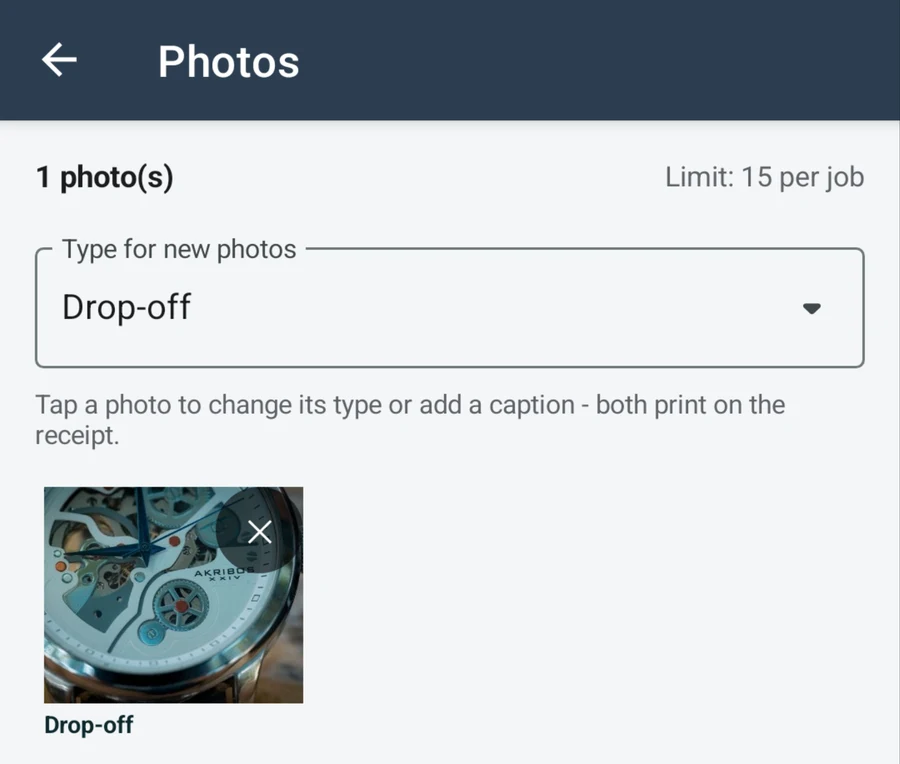
Take or import photos, assign a category, add a caption and keep each image attached to the correct repair job.
Record the quote, deposits, progress payments, final payments and refunds. The paid total and balance update automatically.
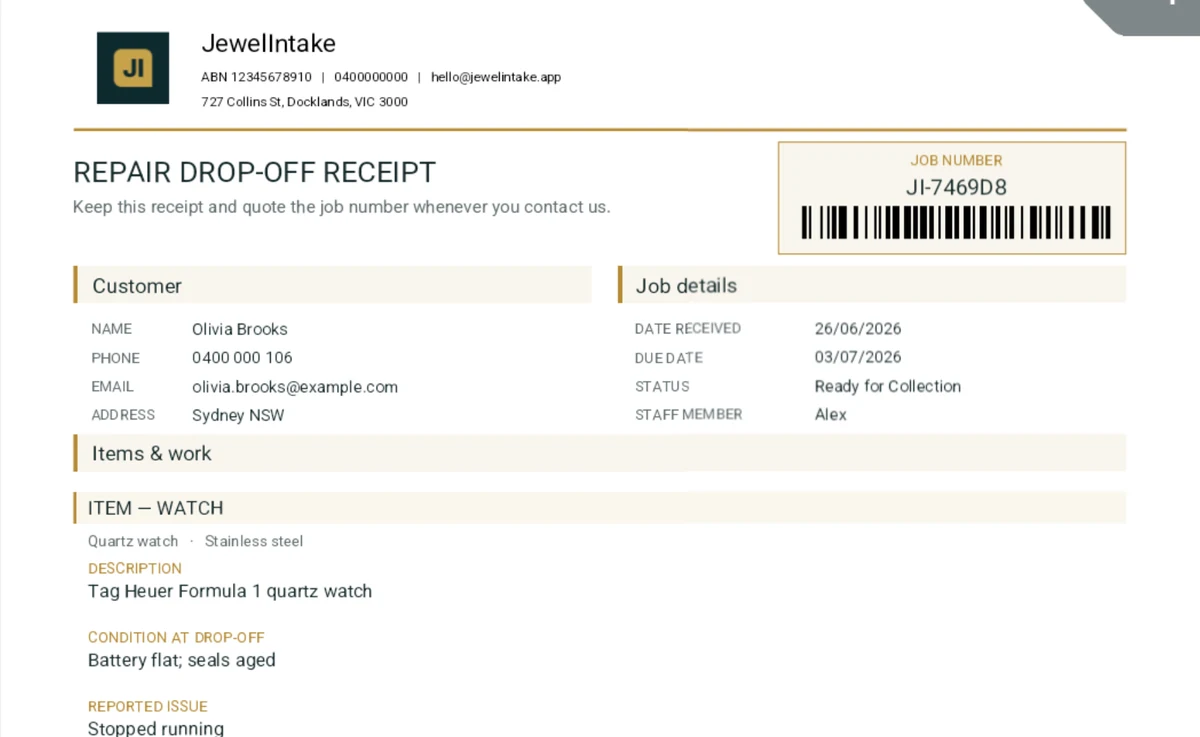
Capture signatures at drop-off and collection, then generate PDF receipts with item, photo, payment and tax details.
Prepare a collection message, record the final payment, capture the signature and close the job with a final receipt.
From drop-off to collection
Each stage uses the same job record, so staff can see the latest item details, photos, payments and signatures in one place.
Add the customer, items, reported issue, existing condition and requested work.
Add photos, quote and deposit, then capture the signature and issue the drop-off receipt.
Update the job status, record payments and prepare the ready-for-collection message.
Confirm the balance, capture the collection signature and issue the final receipt.
Made for repair work
Record the item category, metal, stones, size, declared value, existing condition and any special instructions for the repair.
Read the jewellery intake guide →Record the brand, model, serial or reference number, strap type, battery request, water-resistance discussion and visible condition.
Use the watch intake checklist →Local by design
JewelIntake stores repair jobs, photos, signatures and generated receipts locally on the device. There is no separate JewelIntake cloud account to manage.
Free for up to 10 active jobs
Pro is a month-to-month Google Play subscription with no fixed-term contract.
JewelIntake Pro
Google Play manages the monthly subscription, billing and cancellation.
Compare Free and Pro →Common questions
No. JewelIntake is focused on jewellery and watch repair intake, documentation and collection. It does not process card payments, manage stock, run payroll or replace your accounting platform.
No. Repair records are stored locally and the core workflow is designed to work on the device. Internet access is needed for Google Play subscription checks and any sharing method that itself requires a connection.
JewelIntake requires Android 8.0 or later and may run on compatible phones, tablets and Android handheld devices. Google Play confirms compatibility for each model. Camera, SMS, PDF and sharing features depend on the hardware and apps available on that device.
Yes. Free includes customer and item records, jewellery and watch details, photo categories and captions, quotes, payment history, signatures, collection messages and PDF receipts. Free supports up to 10 active jobs and 3 photos per job. Receipts created on Free include JewelIntake branding.
JewelIntake does not automatically upload business records to a cloud service. Pro users can create a ZIP backup and choose where to keep it. Regular backup is important because uninstalling the app or losing the device can remove local data.
It can prepare a ready-for-collection message and open the device’s SMS composer when one is available. You review and send the message using your device; JewelIntake does not run an automated SMS service.
Clear records at every handover
Designed for jewellers, goldsmiths, watch repairers and independent repair counters.
Get it on Google Play